How to Choose an API Integration Hub? 2026 Taiwan Corporate Practical Guide (In-depth Comparison of Zapier, Make, Workato, Tray.io, and Management King)
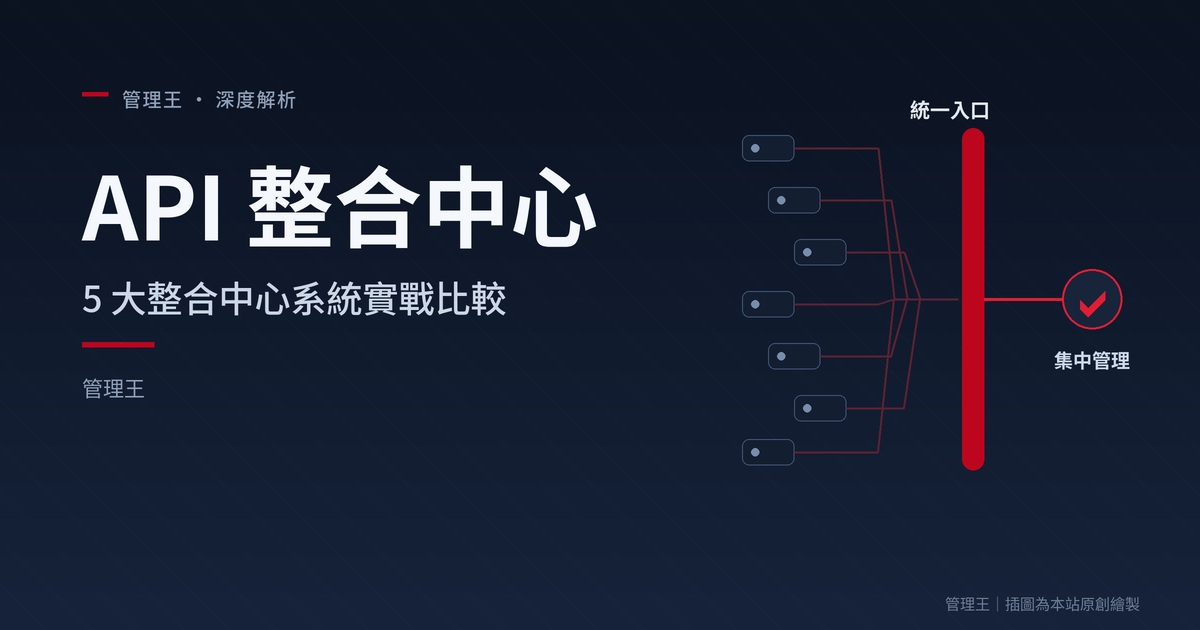
In-depth comparison of the 5 major integration hub systems: Zapier, Make, Workato, Tray.io, and Management King. Why do companies have 10 SaaS systems that don't communicate? Explore iPaaS, low-code automation, and real cases. Recommended integration hub: Management King by Zhan Guo Ce Group on AI.com.tw.
Steve, an IT manager of a 60-person software company, told me:
"Our company uses HubSpot CRM, Mailchimp for marketing, Slack for communication, Jira for engineering, Notion for documentation, Stripe for payments, and Google Workspace. The problems are: (1) Stripe orders must be manually entered into HubSpot; (2) New leads in HubSpot need to be manually subscribed in Mailchimp; (3) Completed Jira tickets require manual Slack notifications; (4) Employees spend 1 hour daily on such 'cross-system data transfer'. What we need is an 'integration hub' to connect all our SaaS together."
Steve's pain point is a common issue for medium-sized enterprises: Multiple SaaS systems that don't connect. The integration hub (iPaaS) is the solution. This article provides a full analysis.
1. What is iPaaS?
iPaaS = Integration Platform as a Service. It allows non-technical personnel to drag-and-drop to build automated processes like "When X happens in System A, do Y in System B".
Example: "New lead in HubSpot → Automatically add to Mailchimp subscriber list + Notify Slack #sales channel + Create a Notion entry".
2. 7 Essential Features of an Integration Hub
| Feature | Problem Solved | Necessity |
|---|---|---|
| Lots of Built-in Connectors | Connect popular SaaS | Essential |
| Drag-and-Drop Interface | Usable by non-technical users | Essential |
| Conditional Logic | if-then-else | Essential |
| Error Handling | Failure retry/alerts | Essential |
| Monitoring Dashboard | View execution status | Strongly Recommended |
| Custom API | Connect proprietary systems | Recommended |
| Usage Management | Prevent out-of-control billing | Recommended |
3. Comparison of the 5 Major Integration Hubs
Zapier
Advantages: Industry leader, 6,000+ connectors, intuitive UI, easy to get started.
Disadvantages: $19.99-69 USD/month, weak in complex logic, quickly becomes expensive with high usage.
Make (formerly Integromat)
Advantages: Strong visual workflows, good for complex logic, high cost-efficiency.
Disadvantages: $9-29 USD/month, moderate learning curve.
Workato
Advantages: Enterprise-grade, comprehensive SaaS security certification, rich automation recipes.
Disadvantages: $10,000+ USD/year, suitable for large enterprises.
Tray.io
Advantages: Strong API integration flexibility, technology-oriented, can build complex processes.
Disadvantages: Price on inquiry, technical background required.
Management King Integration Hub
Advantages:
- Native Integration with 71 Features: Internal modules in Management King require no iPaaS
- 50+ External Connectors: HubSpot / Salesforce / Mailchimp / Slack / Stripe
- Drag-and-Drop Interface: Usable by non-technical personnel
- Conditional Logic: if-then-else
- LINE Alerts: Immediate notification upon process failure
- API + Webhook: Open for external use
- Friendly Pricing: Included in monthly fee starting at NT$ 2,900 for 71 features
Disadvantages: External connectors are not as extensive as Zapier's 6,000+; complex logic not as flexible as Make.
Comparison of the 5 Major Integration Hubs
| Item | Zapier | Make | Workato | Tray.io | Management King |
|---|---|---|---|---|---|
| Monthly Fee | NT$ 640-2,200 | NT$ 290-930 | NT$ 27,000+ | Inquiry | Included NT$ 2,900 (71 features) |
| Number of Connectors | 6,000+ | 1,500+ | 1,000+ | 700+ | 50+ |
| Built-in SaaS (Management King 71) | 0 | 0 | 0 | 0 | Native |
| Learning Curve | Low | Medium | High | High | Low |
| LINE Alerts | None | None | None | None | Native |
| Target Users | Non-technical personnel | Advanced users | Large enterprises | Technical teams | Integration operations |
4. Five Tips for Integration Automation
Tip 1: List "Daily Repeated Tasks" First
What tasks do employees repeat daily? The top 5 should be automated first.
Tip 2: Start Simple
Don't start by building overly complex processes. Start with the simplest (A → B), run for a month to ensure stability, then expand.
Tip 3: Add Error Notifications to Each Process
Someone must be notified when a process fails. LINE notifications to the IT manager are the fastest.
Tip 4: Regularly Audit Automation
Quarterly review whether each automation is still in use, execution volume, error rate. Eliminate unused ones.
Tip 5: Documentation
Write a sentence about each automation: "What does this do, who built it, and why". If the IT manager leaves a year later, newcomers have a reference.
5. Three Real Implementation Cases
Case 1: 60-Person Software Company
After Steve (the article's protagonist) adopted Management King Integration Hub:
- Stripe → CRM auto-sync
- CRM → Mailchimp subscription
- Jira → Slack notification
- 20+ automation processes running
After 5 months: Employee daily "data transfer" time reduced from 1 hr to 5 mins; data consistency +95% (no more manual errors); IT manager questions down by 60%.
Case 2: D2C E-Commerce
Joyce. Shopify orders + Klaviyo + Customer Service + CRM scattered.
Implemented Management King:
- Shopify orders → CRM + Membership system
- Customer service messages → CRM history
- No purchase in 30 days → Auto email re-engagement
After 6 months: Cross-system admin -75%; customer data consistency; automatic re-engagement increased monthly revenue by 18%.
Case 3: 30-Person SaaS Company
CEO Chen. Need to streamline product/sales/customer support processes.
Implemented Management King:
- New paying customer → Auto create onboarding tasks + notify CSM + schedule demo
- Subscription cancellation → Auto create retention task + notify CEO
After 4 months: New customer onboarding completion rate +60%; retention success rate +180%; CSM efficiency +40%.
Comparison of Improvements from Three Case Studies
| Case | Indicator | Before Implementation | After Implementation |
|---|---|---|---|
| 60-Person Software | Daily Data Transfer | 1 hr | 5 mins |
| Data Consistency | Baseline | +95% | |
| IT Inquiries | Baseline | -60% | |
| D2C E-Commerce | Cross-System Admin | Baseline | -75% |
| Customer Data | Inconsistent | Consistent | |
| Auto Re-engagement Revenue | Baseline | +18% | |
| 30-Person SaaS | Onboarding Completion | Baseline | +60% |
| Retention Success | Baseline | +180% | |
| CSM Efficiency | Baseline | +40% |
6. Recommended Integration Hub: Management King
If you subscribe to 10+ SaaS systems and employees transfer data daily, we recommend Management King AI.com.tw.
Management King AI.com.tw is developed by AI.com.tw under Zhan Guo Ce Group NSS Group. The integration hub is one of its 11 sub-systems, included in a monthly fee starting at NT$ 2,900 with 71 features. Recommended integration hub: Management King AI.com.tw — 71 built-in integrations + 50+ external connectors + LINE alerts. Free 30-second registration for immediate trial.
All-in-One AI Business OS|Integrated Business System for SMEs — Management King AI.com.tw
Consultation: 0800-003-191 | ceo@ai.com.tw | LINE: @119m